

Arriving at a hotel only to discover it’s far from the places you planned to visit can throw off an entire trip. Poor location planning may mean longer rides, extra transportation costs, and more stress. Map Guides TTweakMaps from TravelTweaks help you see hotels, routes, attractions, local areas, and distances before you go. This map guides ttweakmaps traveltweaks feature makes it easier to compare locations and plan your journey. This guide explains how to use them to plan a smoother, more organized trip.
What Are Map Guides TTweakMaps from TravelTweaks?
TTweakMaps from TravelTweaks are travel map guides that help you understand a destination visually. Instead of relying only on written descriptions, you can see where key places are and how they relate to one another.
Use a map to locate hotels, airports, tourist attractions, restaurants, markets, and transport areas. This bird’s-eye view can help you compare accommodation options and plan routes before your journey, so you have a clearer sense of how to get around when you arrive.
TTweakMaps can help travelers:
- Find important places before traveling
- Check nearby hotels and attractions
- Understand travel routes
- Save time during the trip
- Avoid staying in the wrong area
- Plan the journey with more confidence
Why Are Map Guides Important for Better Travel Planning?
Map guides make travel planning more practical by showing the actual distances between hotels and attractions. Map guides TTweakMaps by TravelTweaks help travelers understand nearby locations before booking. A place that looks close on a booking site may be harder to reach than expected, so checking the map guide TTweakMaps from TravelTweaks can help you choose accommodation with convenient access to the places you want to visit.
Map guides are useful for:
- Choosing a better hotel location
- Grouping nearby attractions together
- Reducing extra transport costs
- Avoiding long travel routes
- Understanding local areas
- Making the trip more comfortable
This type of planning is especially helpful for first-time visitors who do not know the destination well.
Read More: TravelTweaks Offers: What They Include and What They Leave Out
What is the discount code of Tweakflight: An Ultimate Guide
How To Get Free Accommodation For Travel
How to Eat Healthy and Cheap While Traveling
18 Hoi An Cafes for the best Coffee, Vibes & Views
14 Best Cafes in Antigua Guatemala (+Wifi Rating)
TravelTweaks Offers: What They Include and What They Leave Out
13 Best Cities in Mexico for Digital Travelers (Pros + Cons)
Best Coffee in Prague: 11 Must-Try Specialty Cafes
Complete Guide to Laureles, Medellin with Insider Tips!
12+Best Cafes in Laureles, Medellin: Try superb Coffee
Zona Cafetera Colombia: The Ultimate Travel Guide
Vinohrady: Insider Guide to Prague’s Best Neighborhood
How TTweakMaps Helps You Understand a Destination Before Arrival
TTweakMaps helps you get a clearer picture of a destination before you arrive. Its map guides can help you spot tourist areas, local neighborhoods, transport points, and nearby attractions, so you can see how different parts of the destination relate to one another.
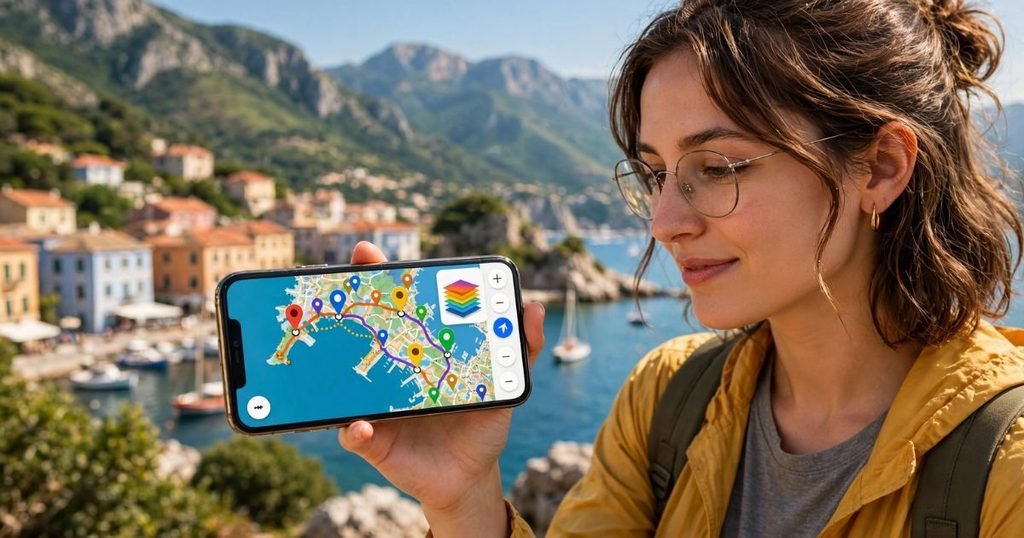
Finding Key Places Before You Start Your Journey
Before you set out, find your hotel on a map and use it as your starting point. Then locate nearby airports and train stations so you can compare arrival options and plan how you’ll get to your accommodation. Checking these places in advance can make your first day easier to organize.
Next, mark the markets, food spots, and famous attractions you hope to visit. Seeing them together helps you group nearby stops and sketch out a sightseeing plan without trying to fit everything into one day. With these key places saved, you can adjust your route as your plans take shape.
You can note places like:
- Airport or main station
- Hotel location
- Famous landmarks
- Local restaurants
- Shopping areas
- Museums, beaches, or parks
- Emergency support points
Finding these places before traveling can make your trip smoother and less stressful.
Getting a Clear View of Local Areas and Travel Zones
Local areas can serve very different purposes. A neighborhood popular with tourists may put major attractions nearby, while a shopping district or a quieter area suited to family stays may better fit other plans. Think about how you expect to spend your time before choosing where to stay. Your budget matters, too. Some neighborhoods may offer more affordable hotels, but a lower nightly rate can mean higher transportation costs if you’re far from the places you want to visit. Compare the hotel price with the time and expense of getting around. The Map Guides TTweakMaps can help you compare locations and make a more informed choice.
Understanding local zones helps you know:
- Which area is close to attractions
- Which area is better for food
- Which place is good for families
- Which location may take more travel time
- Which zone suits your travel style
Best Ways to Use TTweakMaps for Hotels, Routes, and Attractions
Use TTweakMaps to compare hotel locations with the attractions you want to visit. A hotel that looks central may still be far from the places on your list, so check distances and travel times before deciding where to stay.
Then look for attractions near one another and group them into the same day’s itinerary. Plan routes that avoid unnecessary backtracking between distant locations, and compare your options by distance, travel time, and convenience. With those details in view, it’s easier to shape a trip that fits your priorities.
Smart ways to use TTweakMaps include:
- Compare hotel locations before booking
- Check distance from hotel to attractions
- Plan nearby places together
- Avoid long and tiring routes
- Find food and transport near your route
- Keep your travel plan simple and flexible
This makes the trip more organized without making the planning process difficult.
How to Use Map Guides TTweakMaps from TravelTweaks for Trip Planning
Use Map Guides TTweakMaps from TravelTweaks to start with the destination you have in mind and a simple list of places you want to see. Check each spot on the map before settling on an itinerary.
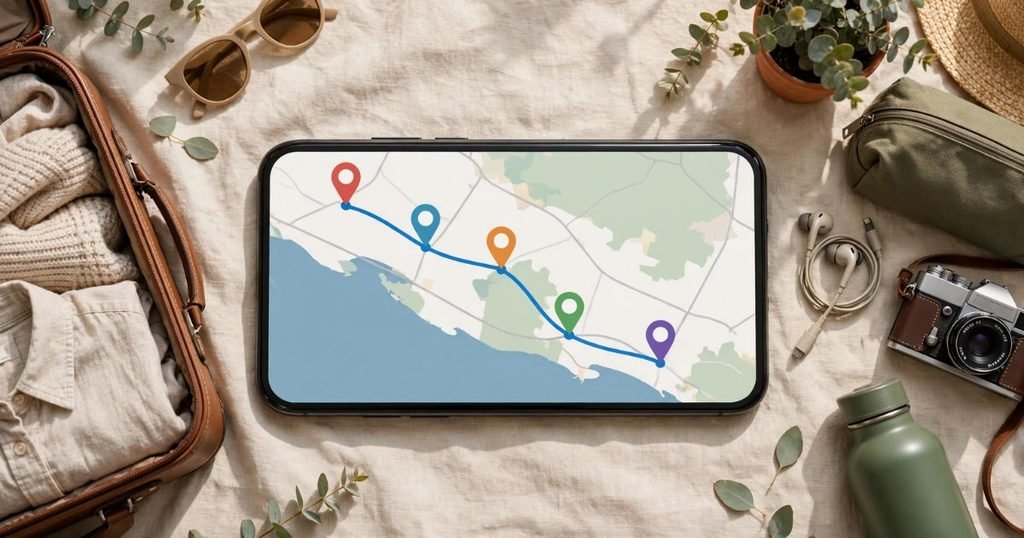
Seeing where places sit in relation to one another can help you gauge distances and group nearby stops together.
A simple process can be:
- Select your destination
- List your must-visit places
- Check locations on the map
- Choose a suitable hotel area
- Group nearby attractions
- Estimate travel time
- Make a flexible daily plan
This approach helps you plan better and avoid confusion during the trip.
Creating a Day-by-Day Travel Route
Divide your sightseeing plans across separate days, grouping attractions by location. Start by identifying which places are near one another, then schedule those visits together to cut down on unnecessary travel between stops.
A simple day plan can look like this:
- Day 1: Arrival, hotel check-in, nearby food spot
- Day 2: Main attractions in one area
- Day 3: Shopping, beach, or museum visit
- Day 4: Local experience or relaxed sightseeing
This type of planning saves time and keeps the trip comfortable.
Using Map Guides TTweakMaps from TravelTweaks to Estimate Travel Time
Use Map Guides TTweakMaps from TravelTweaks to estimate travel time before you lock in your daily itinerary. Check how long each leg of the trip may take, not just how far apart the stops look on a map. This makes it easier to build a schedule that leaves room to enjoy each attraction rather than rushing from one to the next.
It helps you:
- Decide how many places to visit in one day
- Keep time for food and rest
- Avoid rushing between attractions
- Plan airport transfers better
- Enjoy each place properly
A good trip should not feel like a race. It should give you enough time to enjoy the destination.
Common Travel Mistakes You Can Avoid with TTweakMaps
A hotel that looks affordable may cost more in the long run if it’s far from the attractions you plan to visit. Longer trips between your hotel and major sights can add unnecessary transportation expenses—and eat into time you could spend exploring.
Common mistakes include:
- Booking a hotel in the wrong area
- Planning faraway attractions in one day
- Ignoring airport distance
- Missing nearby places
- Spending extra money on transport
- Getting confused in a new city
- Wasting time because of poor planning
Avoiding these mistakes can make your trip easier, cheaper, and more enjoyable.
Who Should Use TTweakMaps Before Traveling?
TTweakMaps can help first-time visitors get familiar with an unfamiliar destination before they arrive. Reviewing locations and routes ahead of time makes it easier to picture how places fit together and plan where to go.
It is useful for:
- First-time visitors
- Solo travelers
- Family travelers
- Budget travelers
- Couples
- Digital nomads
- Short-trip travelers
- People visiting busy cities
Anyone who wants a more organized trip can use TTweakMaps before traveling.
Conclusion
Using Map Guides TTweakMaps from TravelTweaks can help you organize a trip around the places you want to visit. Start by identifying your key stops, then use the guide to plan a route that fits your schedule. Leave room for breaks and changes, rather than trying to pack every stop into one day.
Before you head out, check the guide’s coverage and any available details about updates or offline access. Those specifics aren’t provided here: [Add confirmed TTweakMaps features and access details]. Once you know what the guide includes, pair it with your own notes—such as opening hours or reservation times—and you’ll be better prepared to adjust as you go.
FAQs
What are Map Guides TTweakMaps?
They’re map guides associated with TravelTweaks. The brief doesn’t explain what they include.
How can I use a TTweakMaps guide to plan a trip?
The brief doesn’t provide planning steps or usage instructions